
Developer AI assistant
The developer AI assistant (Dev Sidekick) is a free, AI-powered tool that answers questions about the monday.com API and apps framework. It can generate queries, debug errors, explain concepts, and produce code samples — all grounded in the official developer documentation.
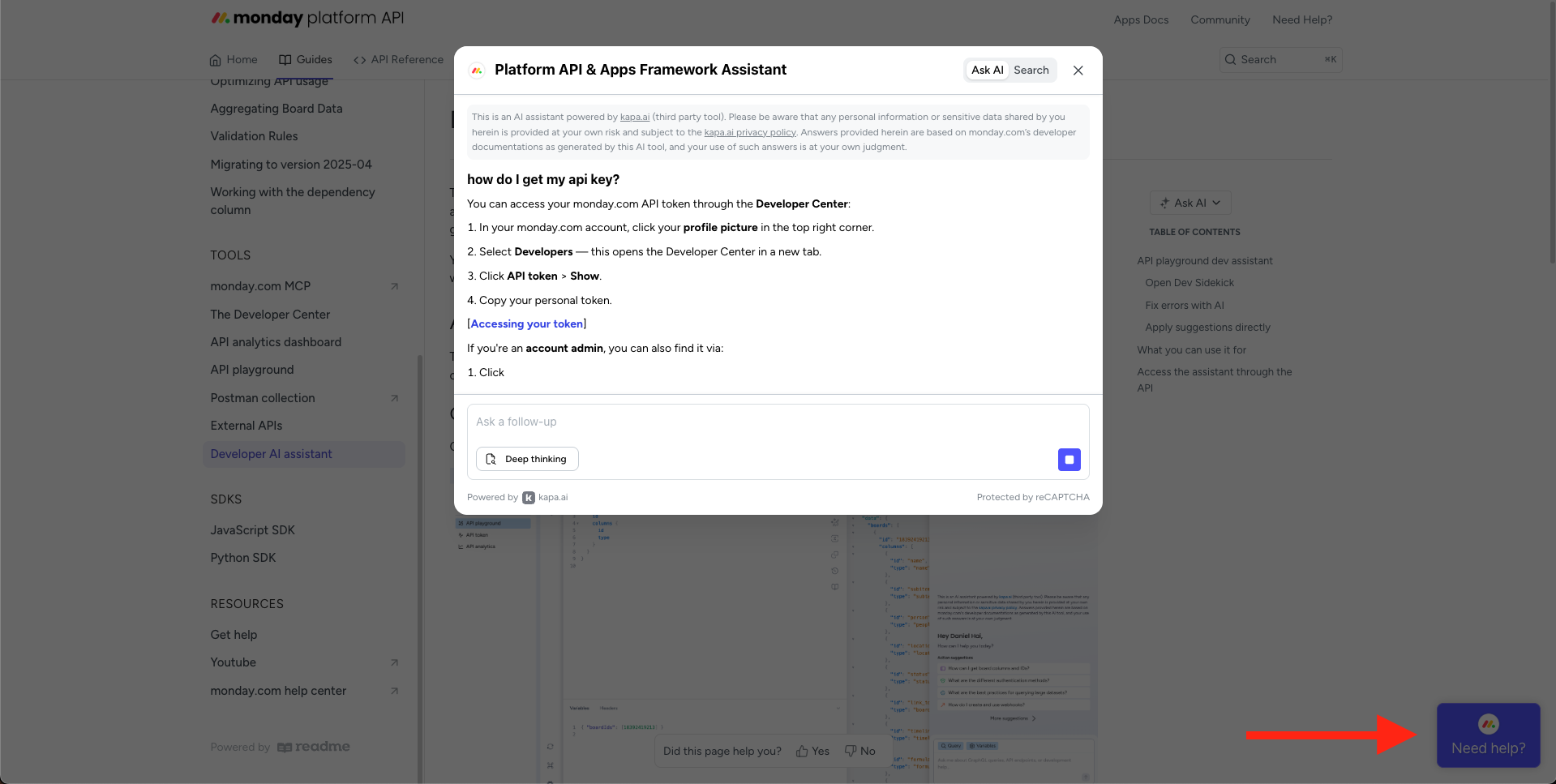
You can access it in three ways: through the API playground in the Developer Center, through the documentation site widget, or programmatically via the GraphQL API.
API playground dev assistant
The best way to use the assistant is inside the API playground in the Developer Center. Here, the assistant is fully context-aware — it can see your current query, variables, and response, so it gives precise, actionable answers.
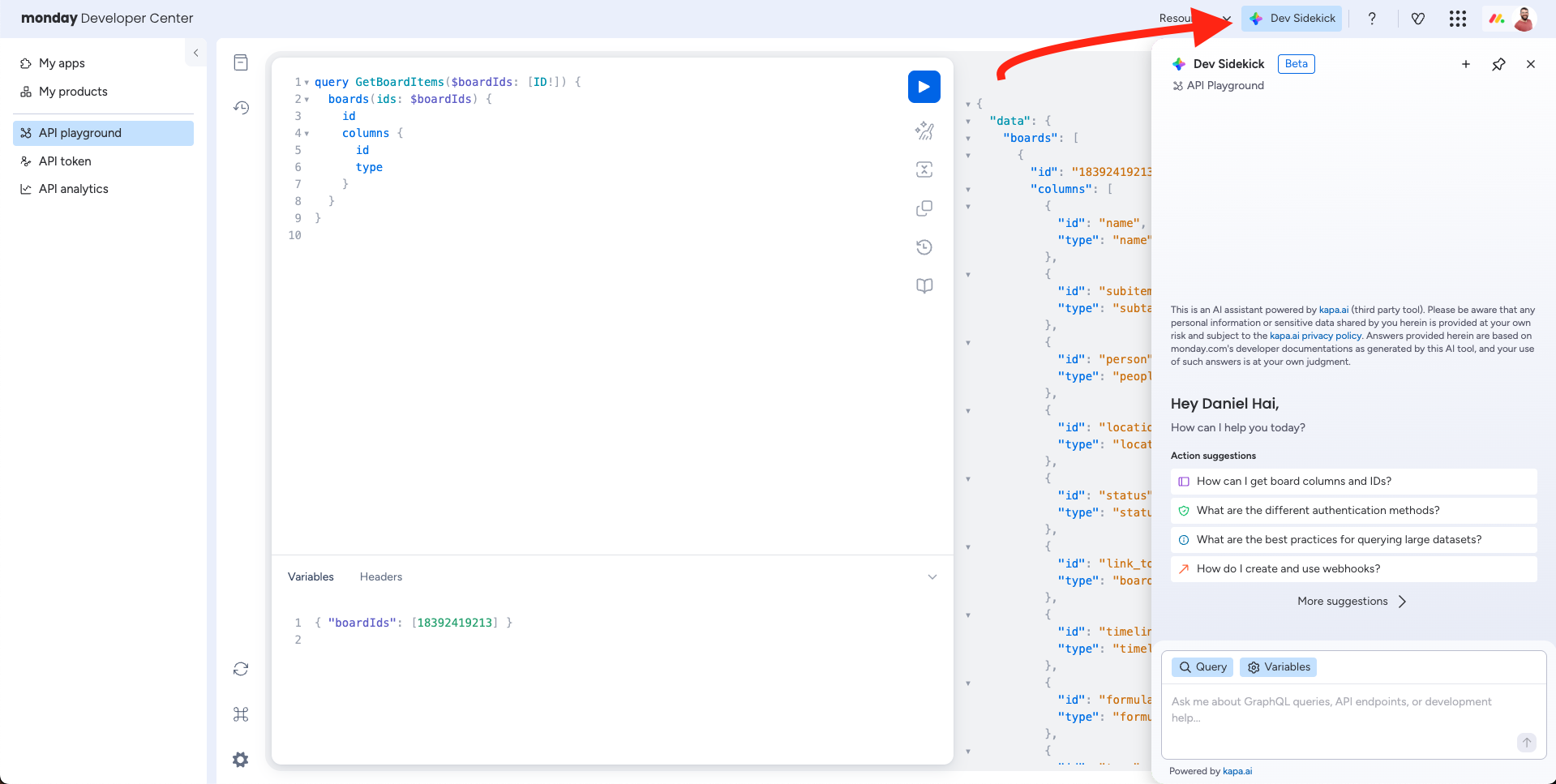
Open Dev Sidekick
Click the Dev Sidekick button in the top-right corner of the playground to open the assistant panel.
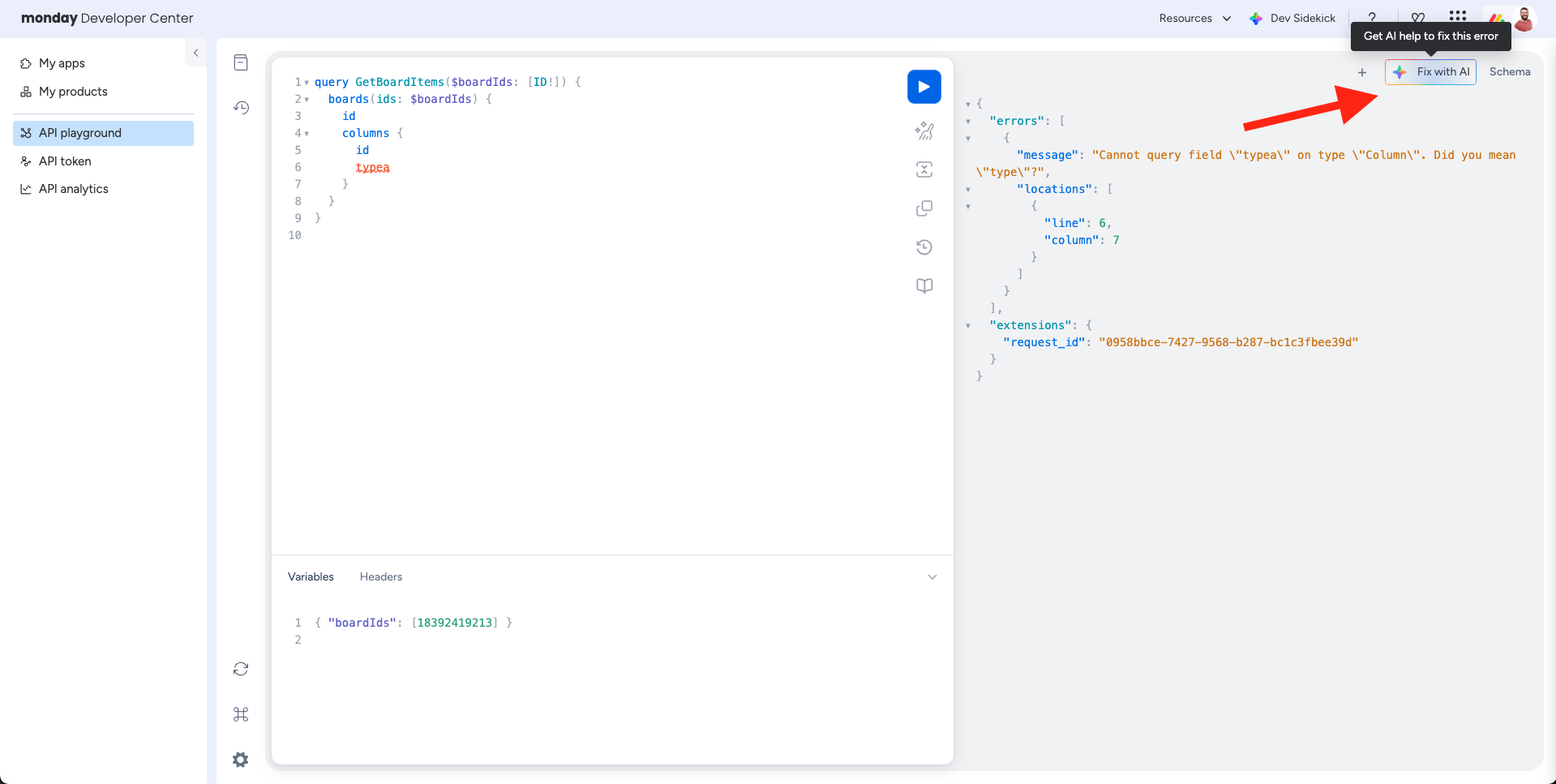
Fix errors with AI
When a query returns an error, a Fix with AI button appears in the response panel. Click it to send the failed query, variables, and error response directly to the assistant for diagnosis.
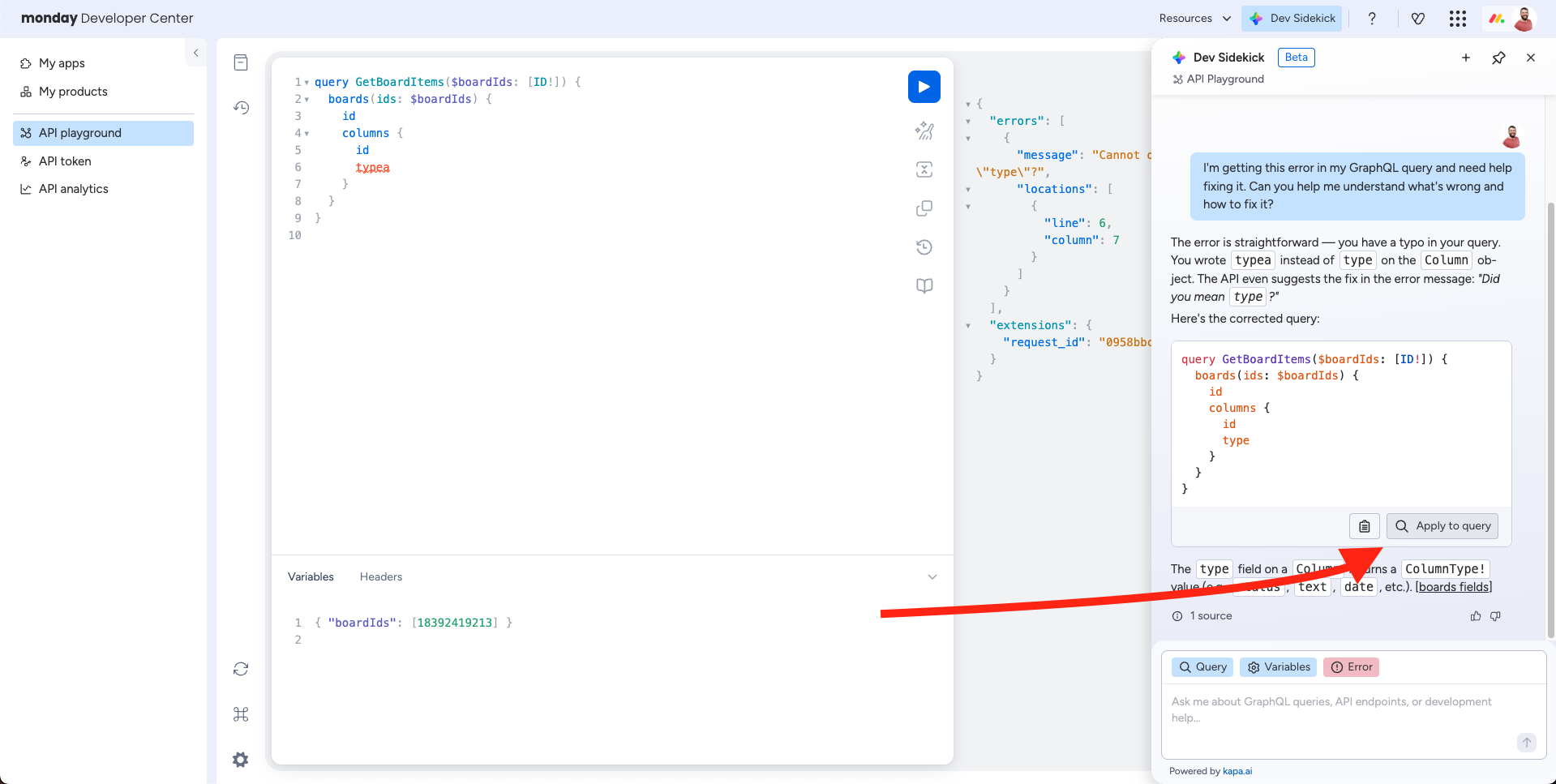
Apply suggestions directly
Each query the assistant generates includes an Apply to query button. Clicking it loads the suggested query straight into the playground editor — no copy-pasting required.
What you can use it for
The assistant is trained on the full monday.com developer documentation. Common use cases include:
- Generate queries and mutations — Describe what you want to do in plain language and get a working GraphQL query back.
- Debug API errors — Paste an error message or use the Fix with AI button and get an explanation with a corrected query.
- Explore the schema — Ask about available fields, argument types, or how objects relate to each other.
- Get code samples — Request implementation examples in your preferred language (JavaScript, Python, etc.).
- Understand column values — Get the correct JSON format for reading and writing specific column types.
- Learn about webhooks and integrations — Ask how to set up triggers, actions, or subscribe to events.
- Build apps — Get guidance on the apps framework, views, widgets, authentication, and deployment.
- Migrate between API versions — Ask about breaking changes and how to update your queries.
Completely freeThe developer AI assistant is free and does not consume your monday AI credits
Access the assistant through the API
You can also call the assistant programmatically using the ask_developer_docs query. This is useful for building your own tooling, support bots, or automated workflows on top of the assistant.
Updated about 2 months ago