
Delete a discount
Learn how to delete discounts through the Developer Center or API
If you need to delete a discount, you can do so at any time through the Developer Center or the API. You can delete active and inactive discounts for both potential and existing customers.
Deleting a discount for a potential customer immediately removes it from their account. Deleting a discount for an existing customer does not remove a discount that has already been applied to the current billing cycle, so the customer will still receive (and pay with) the discounted price for that cycle. However, once deleted, the discount will not be applied again in the next billing cycle.
For legacy discounts that were created before January 19th, 2026, deleting the discount will not remove it from an existing subscription if it has already been redeemed. In this case, the discount will remain active until it expires.
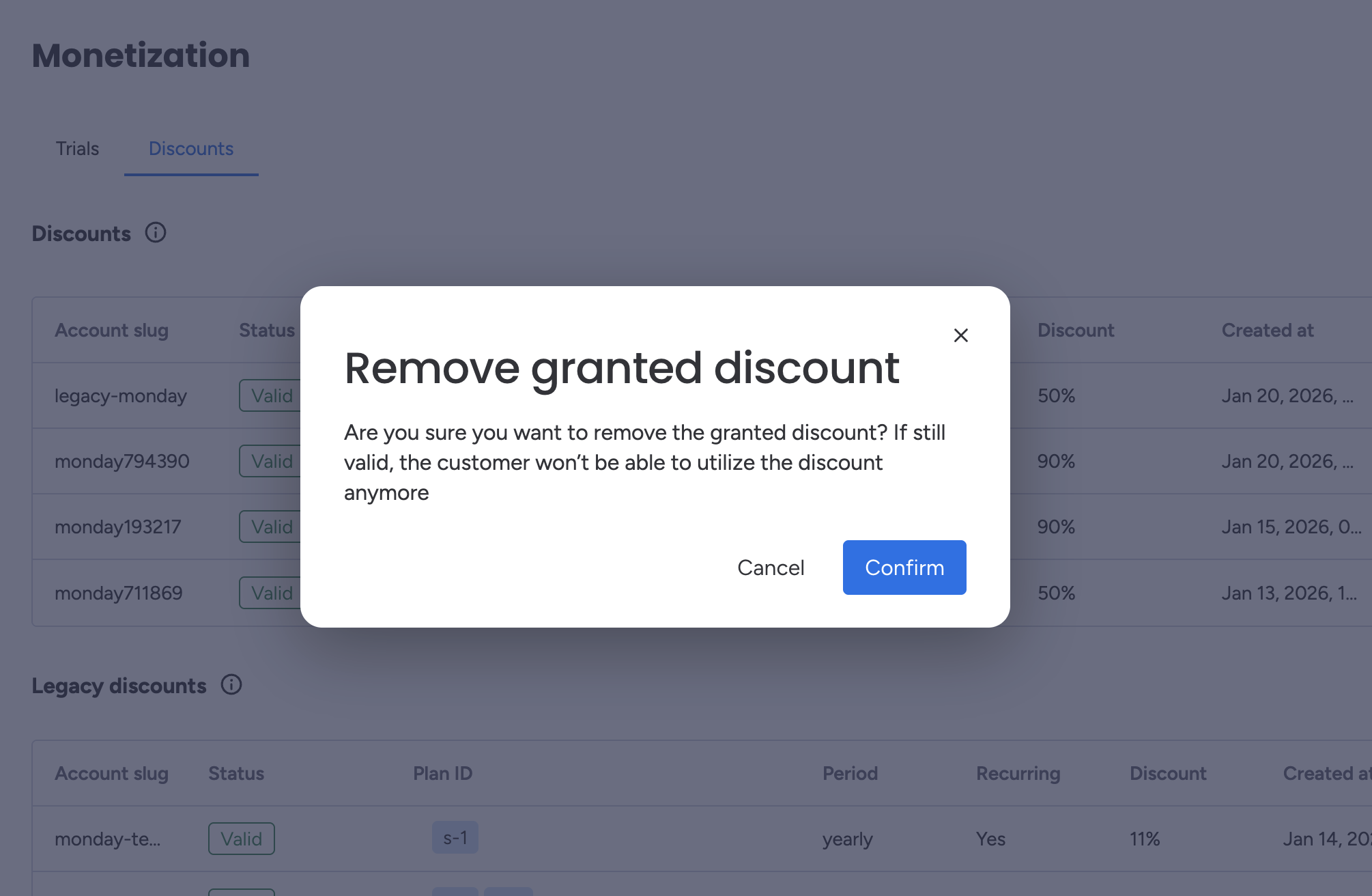
Delete a discount through the Developer Center
Developer Center
- Open the Developer Center.
- Click Monetization in the left-side menu.
- On the Monetization page, select the Discounts tab to view your discounts.
- Click the trash can icon next to the discount offer you want to delete.
- Select Confirm to finalize the deletion.
API
To delete a discount using the API, use the delete_marketplace_app_discount mutation:
mutation {
  delete_marketplace_app_discount (
    account_slug: "Test",
    app_id: 123456
  ) {
    deleted_discount {
      account_slug
      app_id
    }
  }
}
Updated 8 months ago